Audio

What topic do you have questions about?

Yes, the We. HEAR Pro is IPX6 certified, making it water and dust resistant – ideal for the beach, garden or on the go in any weather.

With TWMP, you can wirelessly connect up to 14 speakers simultaneously to create a particularly immersive sound experience – perfect for parties or large rooms.
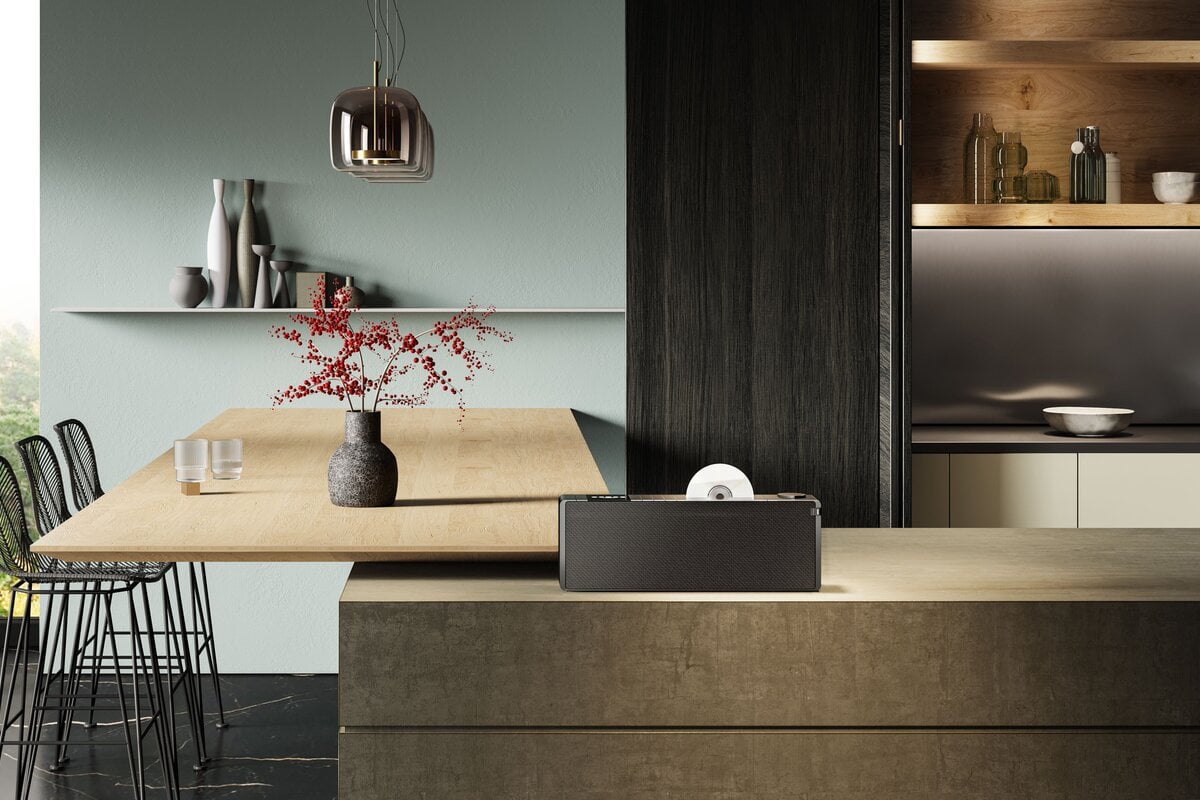
The We. HEAR pro is a powerful Bluetooth speaker for outdoor use with 100 watts of music power, 24 hours of battery life, IPX6 protection and True Wireless Multi Pairing (TWMP) – designed in collaboration with Kylian Mbappé.
The speaker offers sliders for volume, bass and treble - for an individual sound experience without an app.

The We. HEAR Pro features True Wireless Multi-Pairing, allowing you to wirelessly connect up to 14 speakers simultaneously.
Additionally, the speaker can be used as a power bank for charging smartphones via its USB-C port.

Loewe's True Wireless Multi-Pairing technology allows up to 14 We. HEAR speakers to be wirelessly connected simultaneously per speaker, creating an impressive sound experience.
The powerful battery offers up to 24 hours of music playback, depending on volume and usage. This makes the speaker ideal for long days outdoors or on the go.
The integrated battery enables up to 24 hours of music playback with typical use. The charging time is approximately 2 hours with fast charging (Power Delivery).

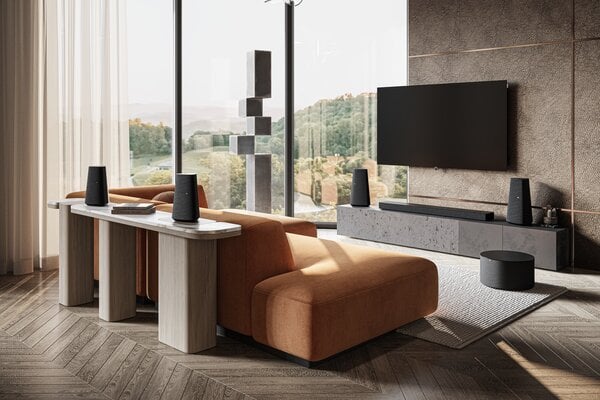
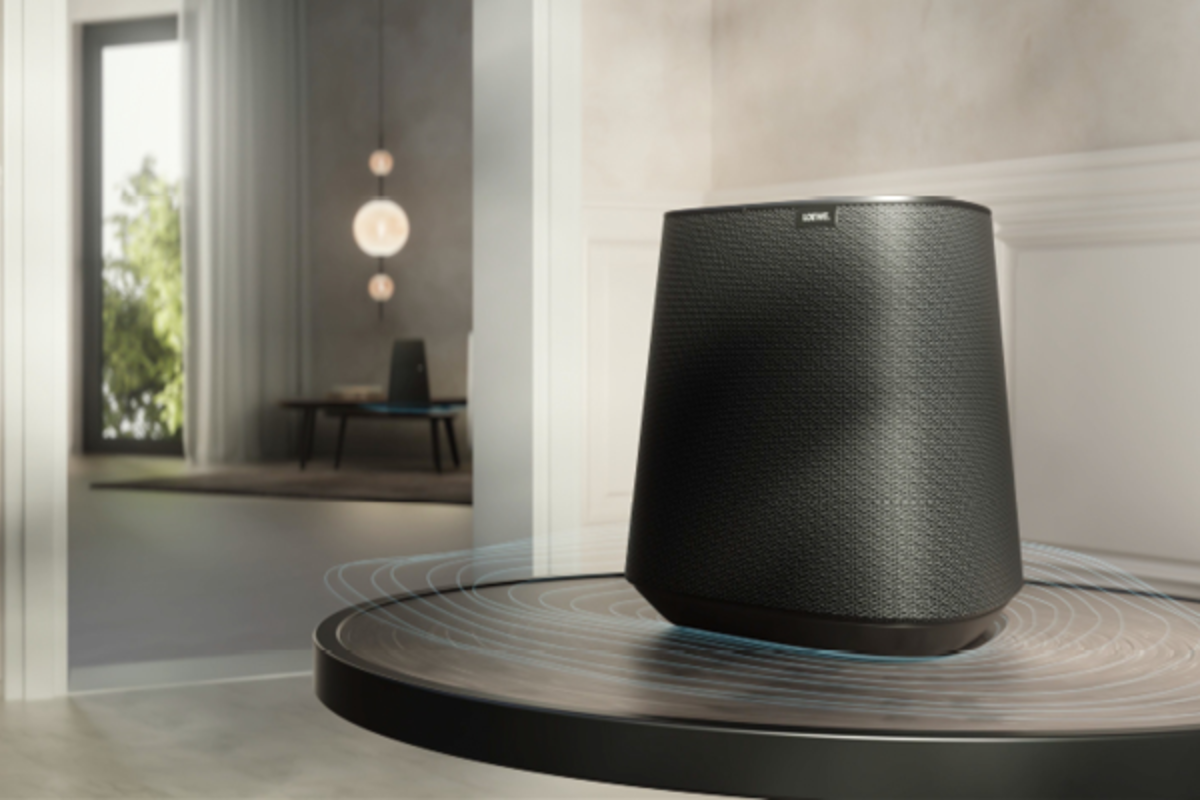
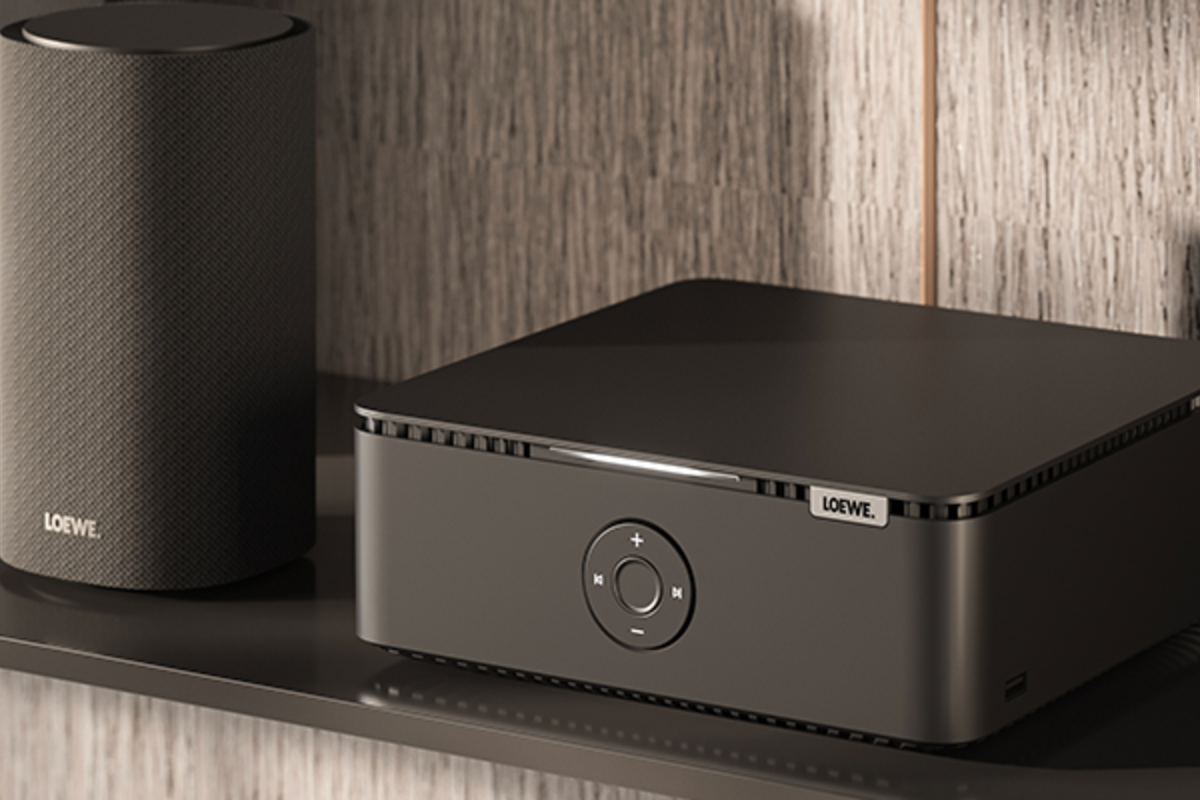
We. BOOST supports Bluetooth 5.4, Analog-In (3.5 mm jack) and HDMI ARC/eARC - ideal for music from your smartphone or directly from the TV.

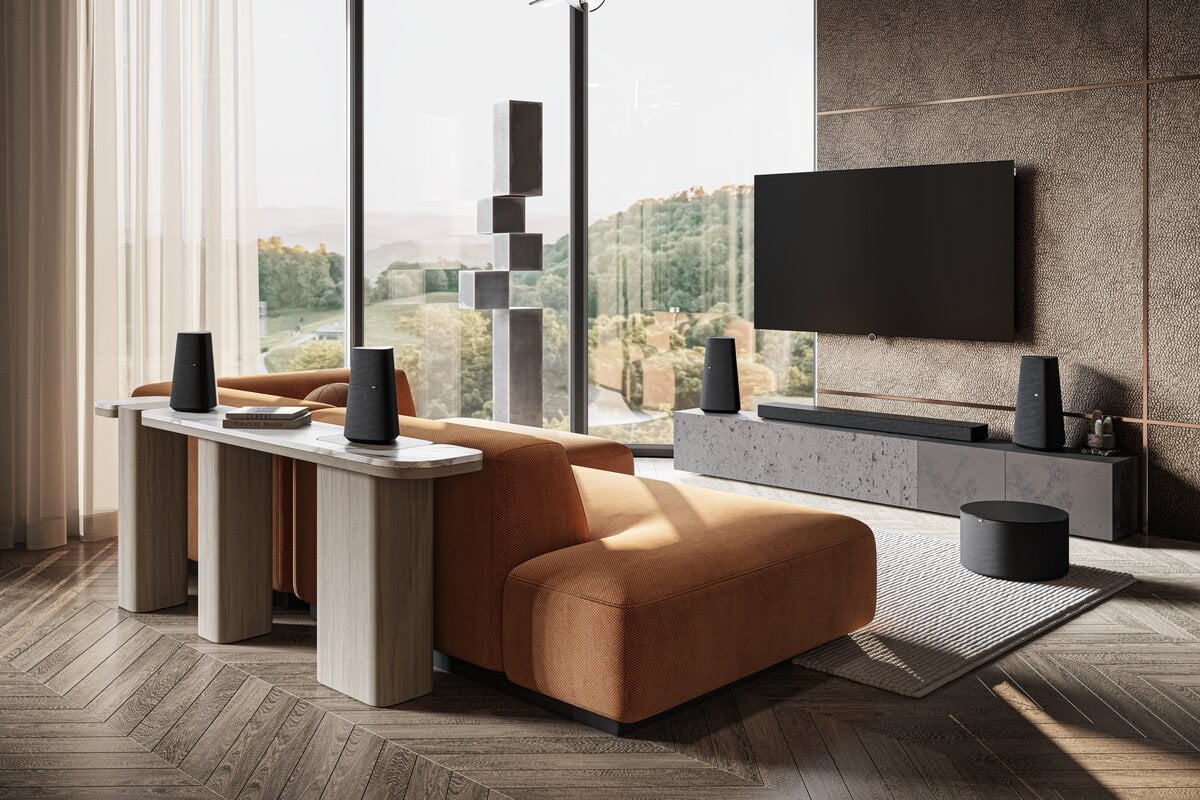
The We. BOOST system offers a plug-and-play installation.
The components are already pre-configured and pre-paired.
Simply plug it into the power and enjoy high-quality sound, without any complicated setup.
No, the system is pre-configured. Just plug it in – the sound starts immediately. Thanks to the HDMI eARC dongle, connecting to the TV is also particularly easy.

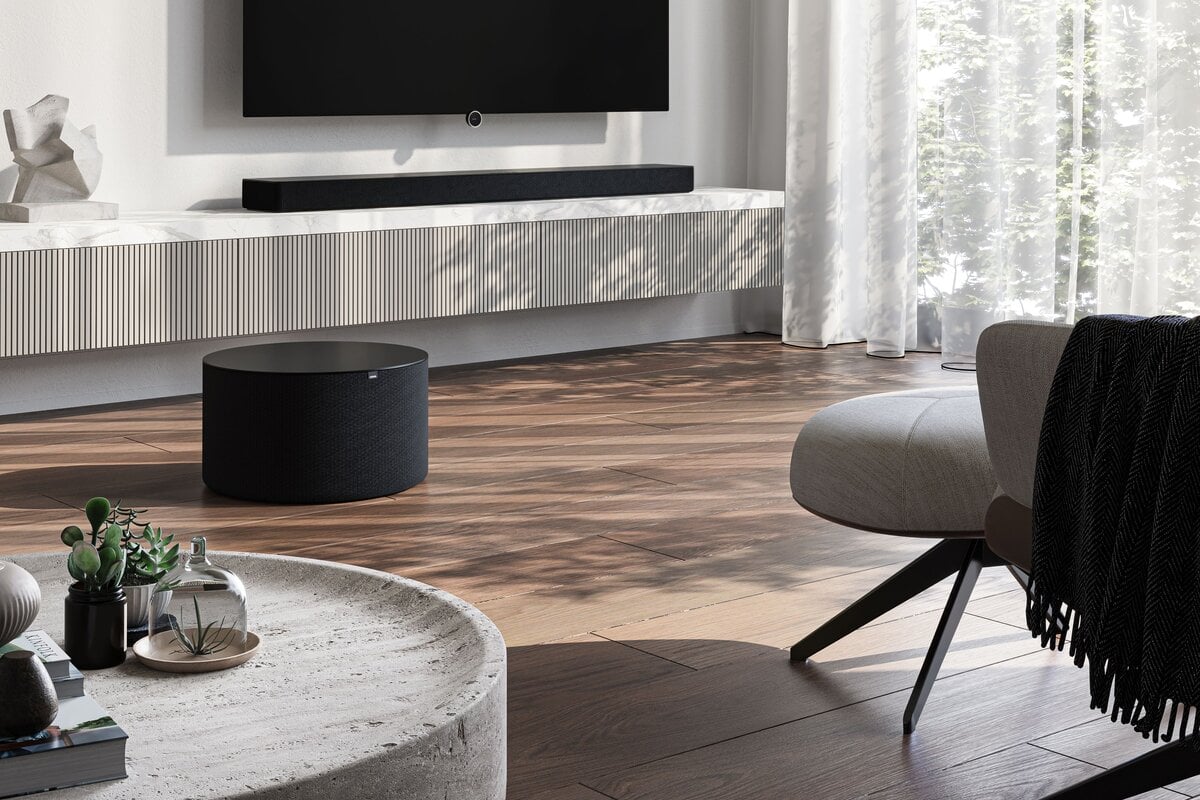
Yes, the system offers Dolby Atmos, Dolby Digital, Dolby Digital Plus, Dolby TrueHD and even Dolby Atmos Music – for an immersive 3D sound experience.

Installation is via plug-and-play: all components are pre-configured. Simply connect and get started - no technical know-how required.
Yes, Loewe leo can also be used with a cable. Please use the included USB-C/3.5mm jack cable for this purpose.
Yes, you can connect Loewe leo to your PC via Bluetooth or cable. Please note that the integrated microphones cannot be used when connected via cable.
Yes, Loewe leo supports multiple connections.
Yes.
No, Loewe leo cannot be used while the update is in progress. Please leave your smartphone display on and do not exit the leo app while the update is running.
Connect your Loewe leo to your smartphone and open the Loewe leo app. If an update is available, you will receive a notification on the app's home screen. Tap the notification to start the update from there.
For the duration of the update, three conditions must be met:
- leo must have at least 50% battery.
- Your smartphone requires an internet connection.
- leo and your smartphone must remain connected during the update.
Yes, you can configure Low Latency Audio in the leo App.

In the leo app, you can use both predefined and personal equalizer settings.

Mimi Personal Sound can be configured in the leo App.
Yes. If you go to the settings in the leo app and deactivate the "Notification tones only" setting under "Acoustic feedback", you will receive more feedback.
Spatial Audio uses numerous additional sound sources in the virtual space of your headphones, embedding the listener in a dense soundscape. As in real life, you are surrounded by sounds and noises, taking the acoustic experience of your favorite film or series to a whole new level. And yes, Loewe leo supports Spatial Audio. You can configure it in the leo app.
Yes, you can switch off the integrated wear detection. To do this, open the leo app. In the settings, under the menu item "Wear Detection", you can switch off the function of the same name.
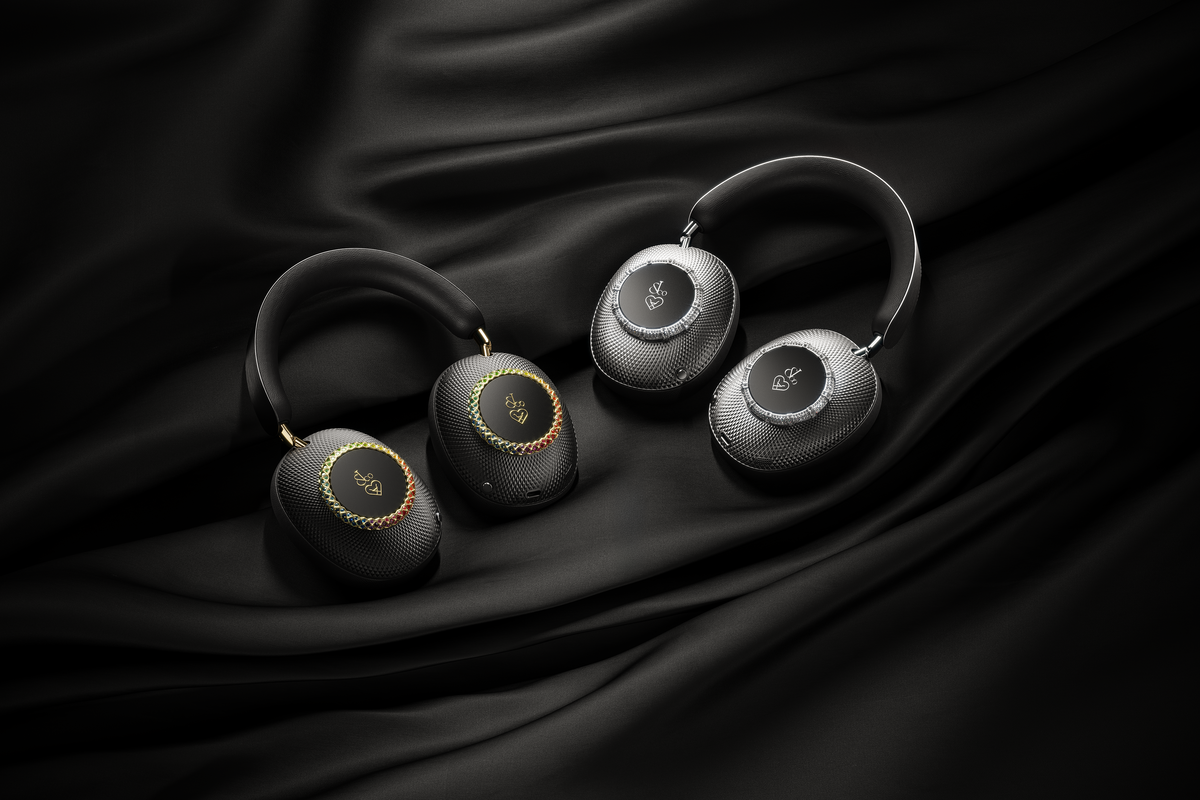
Yes, the ear cushions and headband are fully replaceable.
Yes, Loewe leo can be locked by pressing + holding the left button for 1 second. You can unlock the headphones again by pressing + holding the left button again for 1 second. Different audio cues confirm that the headphones have been successfully locked and unlocked.
No, the listening experience can be designed to be neutral. The balance between ANC and Transparency can be adjusted in 25% steps. When you press the left button, leo is in Ambience Mode. In Ambience Mode, you have 10 seconds to adjust ANC/Transparency before Ambience Mode is exited again. If you turn the left wheel forward in Ambience Mode, you increase ANC by 25%. If you then turn the left wheel back one position, the ANC value is back at 0% and therefore balanced. Similarly, a further turn backwards increases the balance in favour of transparency by 25%. You can control the strength of ANC/Transparency in both directions in up to 4 steps.
Do not treat the leather parts with oils or detergents. Only use a damp cotton cloth to wipe the cushions and headband.

Please press right button for 15 seconds.

You can turn on the Loewe leo assistant with the voice command "Hey leo".
The charging time depends on the power adapter used. With a USB-C charging cable, the charging time is typically 2 hours.
White flashing (2.5 seconds): Device is being switched on/off
White (2 seconds): Device is being switched on/off
Green (continuous): Device is charging
Blue (0.5 seconds): Pairing
Blue (2 seconds): Pairing -> connected LED off: Connected, Not connected, incoming call, active call
Red flashing-Green: Reset to factory settings
Green (0.5 seconds)-LED off: Wireless update is being carried out
ANC (= active noise cancellation) shields you from ambient noise and creates an immersive experience. With increased transparency, ambient noise easily penetrates your ear. This allows you to continue to perceive your surroundings.
Loewe leo has a battery life of up to 65h with ANC turned off.

leo is in pairing mode right after switching it on and the device is ready to be connected to other devices immediately. To start pairing mode manually, briefly press the right button 2-times and then hold it for 1 second.

The ear pads and headband are made of lambskin leather. Leather is a natural product that continues to age after manufacture. The appearance of wrinkles or color changes over time and with daily use is completely normal.
Loewe Leo has a Bluetooth range of approximately 10 m.
Contact us.
Tell us your name
Ask your question here

* Mandatory fields