


-
TV
-
navbar-close-symbol
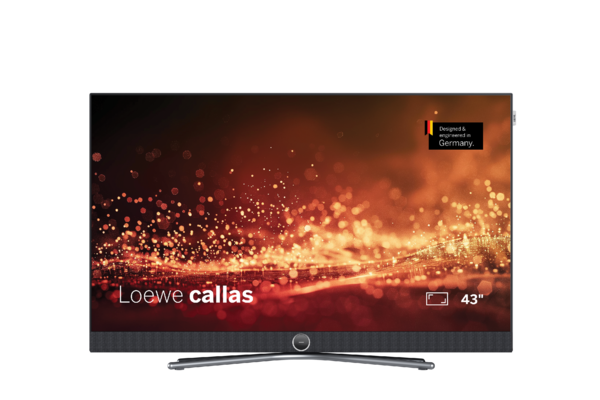
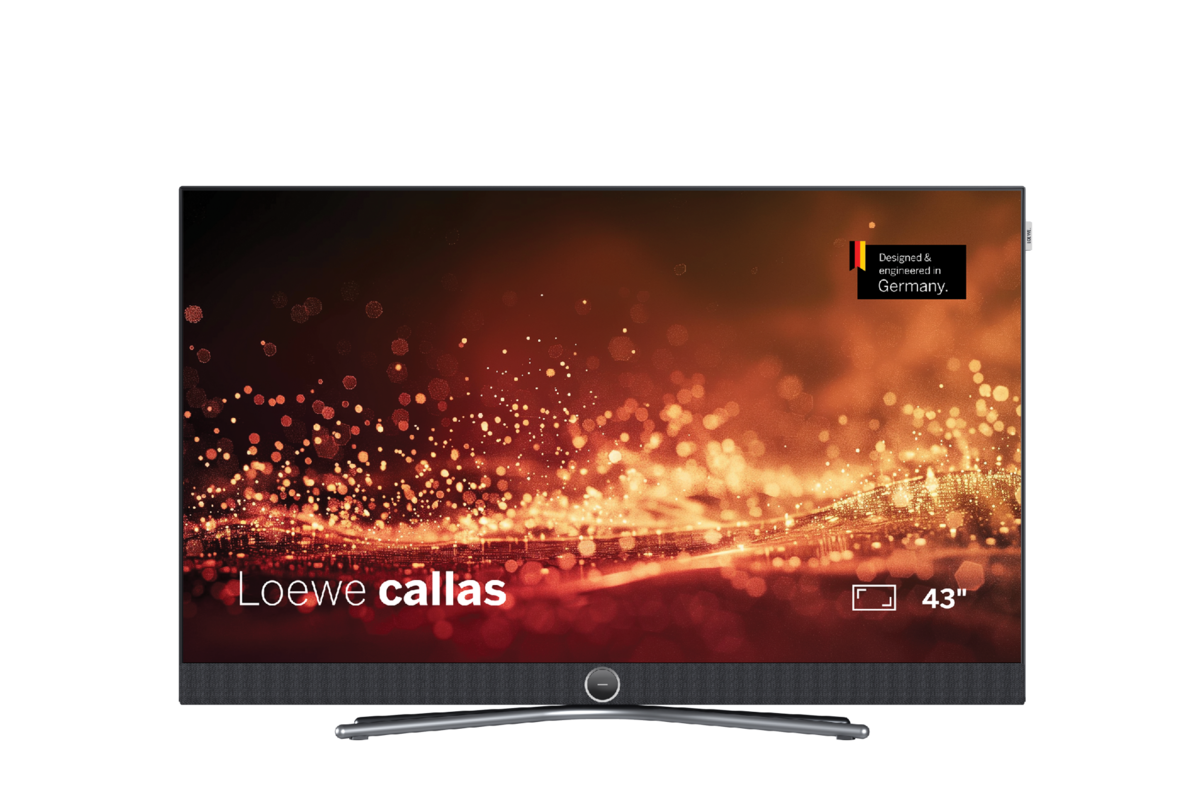
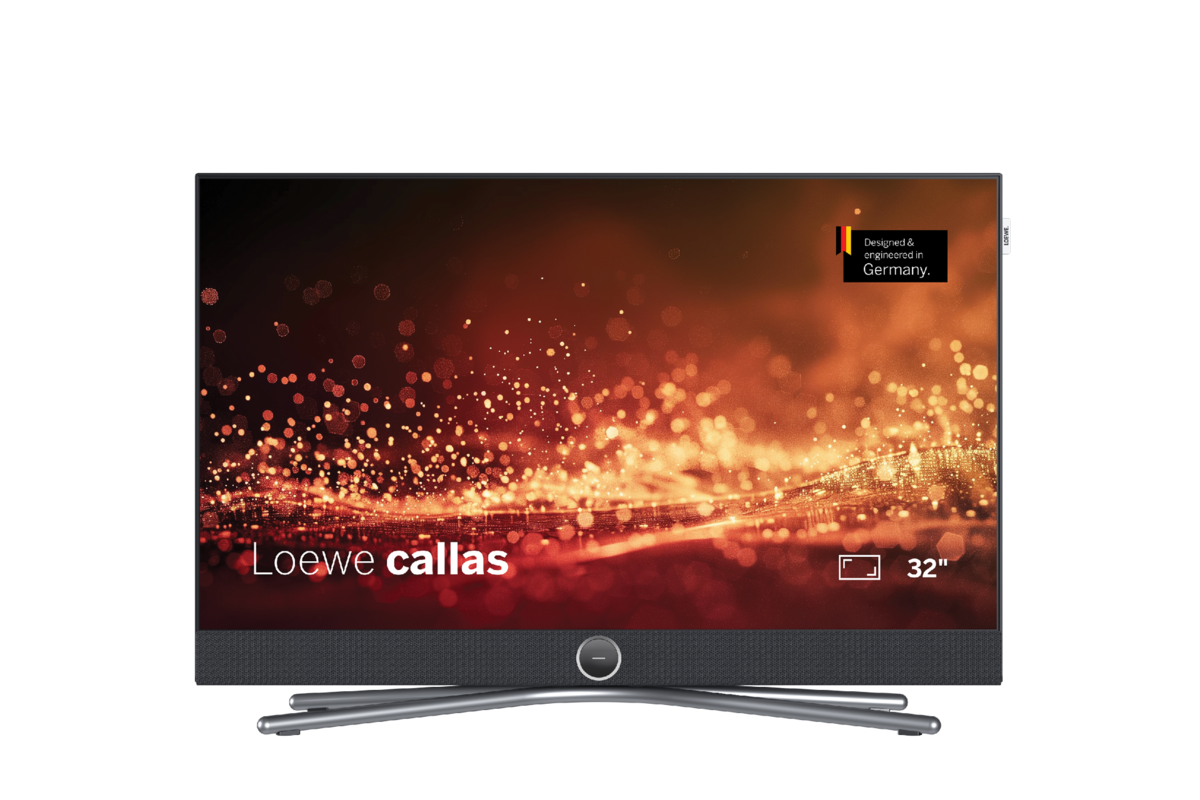
TVCallasCompact without compromises
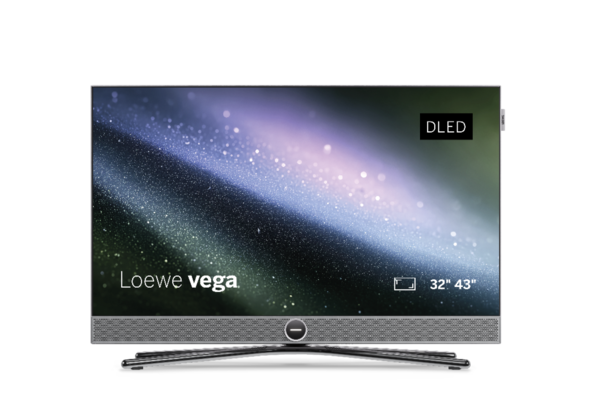
 VegaCompact 4K Ultra HD Smart TV with dual channel technology.
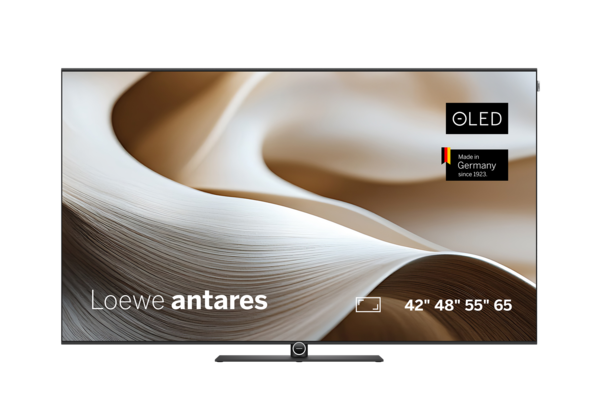
 AntaresIndividual by design.
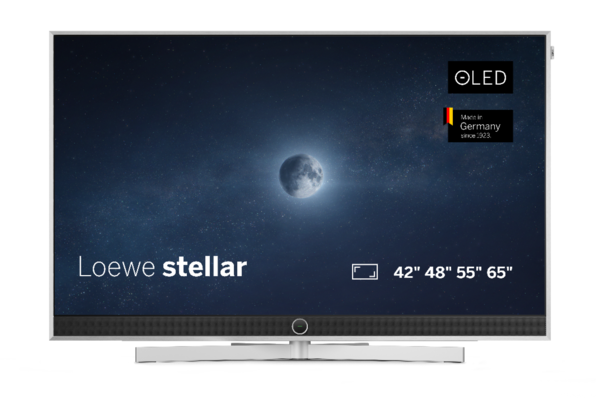
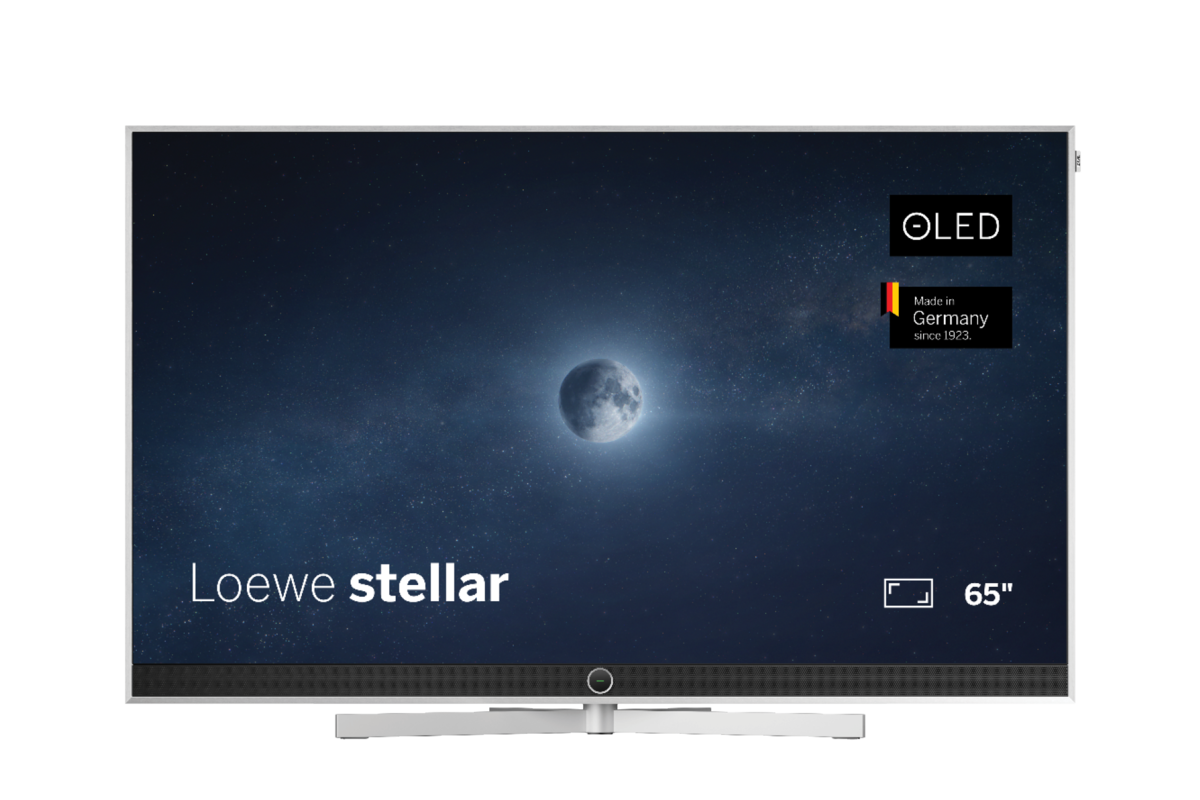
 StellarExperience magical TV moments
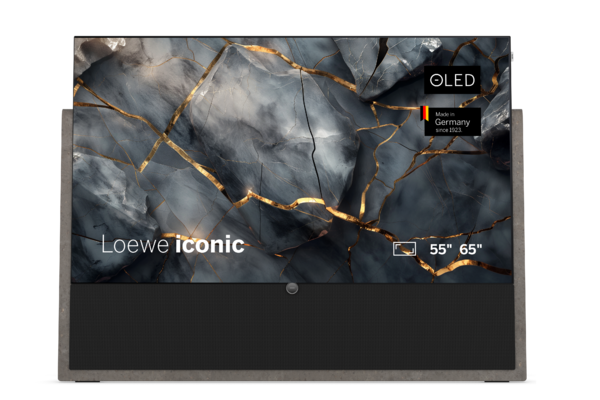
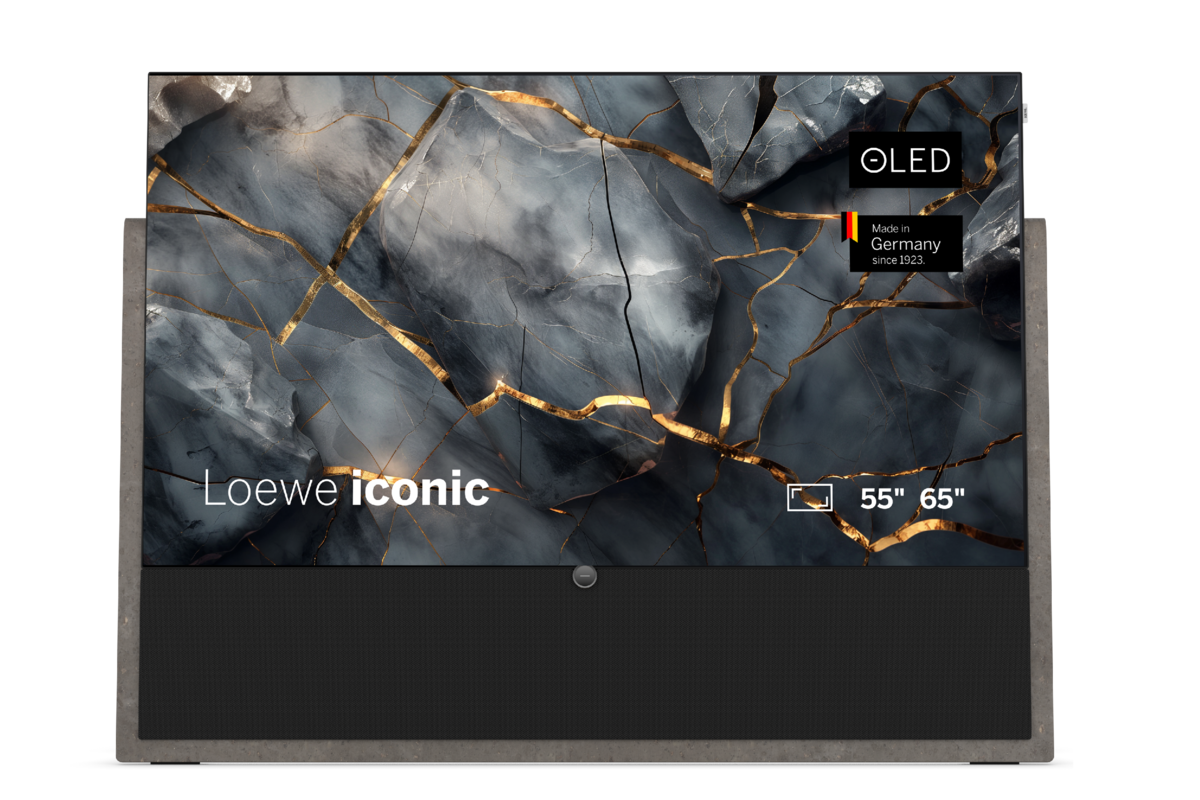
 IconicPerfection of form
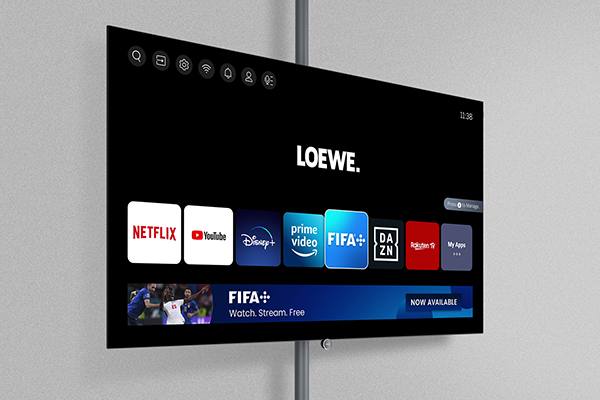
 StreamingAll-rounder for smart entertainment
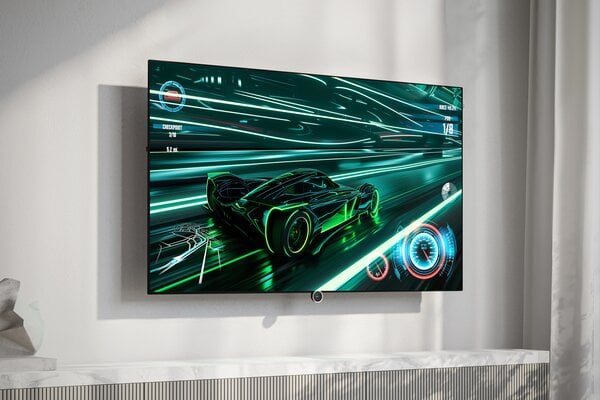
 GamingTimeless for highest demands
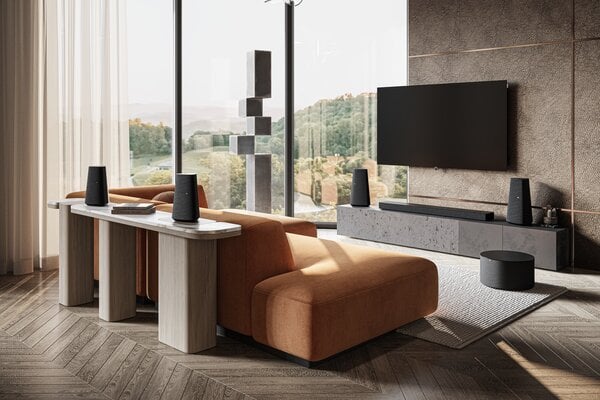
 Home CinemaFront-Facing Speaker
 Dual ChannelDual-Tuner Recording
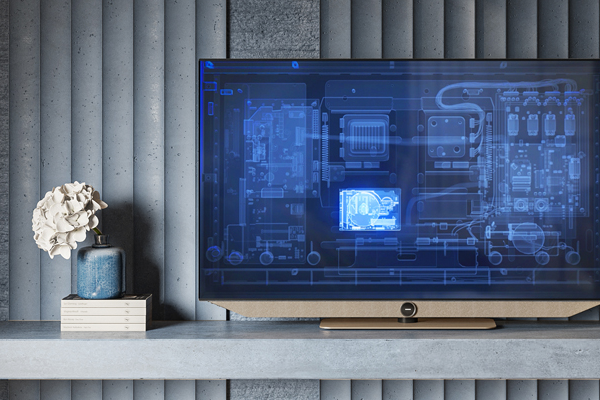 RecordingTime-Shift Recording
 Accessoires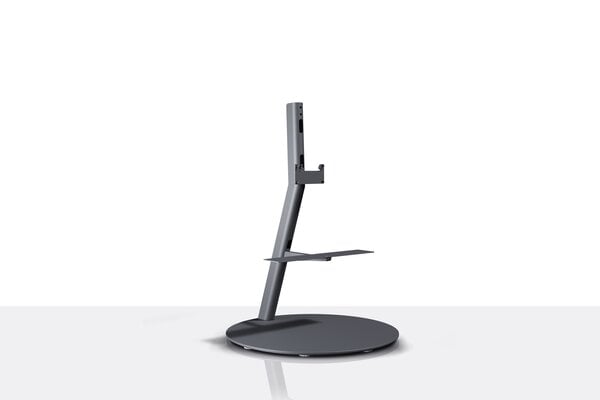
-
navbar-close-symbol
- Audio
- Home




Choose a country or region. This affects the currency you’re billed in, availability of items, price and delivery options.
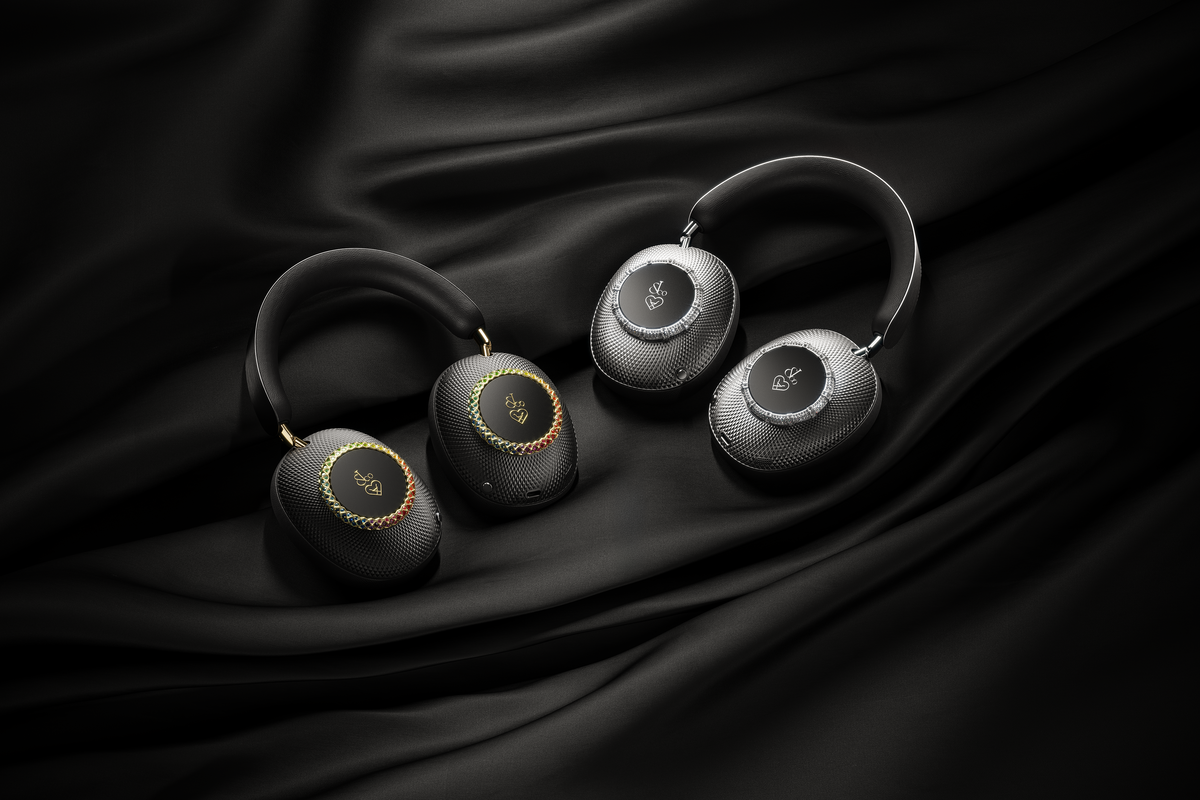
Discover a new dimension of listening with Loewe leo.
Your set-up journey starts now.





LEO AI
Your assistant.
Every pair of Loewe leo headphones includes a complimentary 5-year subscription to the AI features, giving you seamless access to smart assistance and voice-powered interactions throughout your daily listening experience. After this, continued access is available via a monthly subscription to have your personal assistant always by your side.
*Enabled by Bragi with OpenAI

For the duration of the update, three conditions must be met:
- leo must have at least 50% battery.
- Your smartphone requires an internet connection.
- leo and your smartphone must remain connected during the update.
In the leo app, you can use both predefined and personal equalizer settings.
Yes, Loewe leo can be locked by pressing + holding the left button for 1 second ( ). You can unlock the headphones again by pressing + holding the left button again for 1 second (). Different audio cues confirm that the headphones have been successfully locked and unlocked.
Please press right button for 15 seconds.
White (2 seconds): Device is being switched on/off
Green (continuous): Device is charging
Blue (0.5 seconds): Pairing
Blue (2 seconds): Pairing -> connected LED off: Connected, Not connected, incoming call, active call
Red flashing-Green: Reset to factory settings
Green (0.5 seconds)-LED off: Wireless update is being carried out
leo is in pairing mode right after switching it on and the device is ready to be connected to other devices immediately. To start pairing mode manually, briefly press the right button 2-times and then hold it for 1 second ( ).
).